Keep your email. Add the AI.
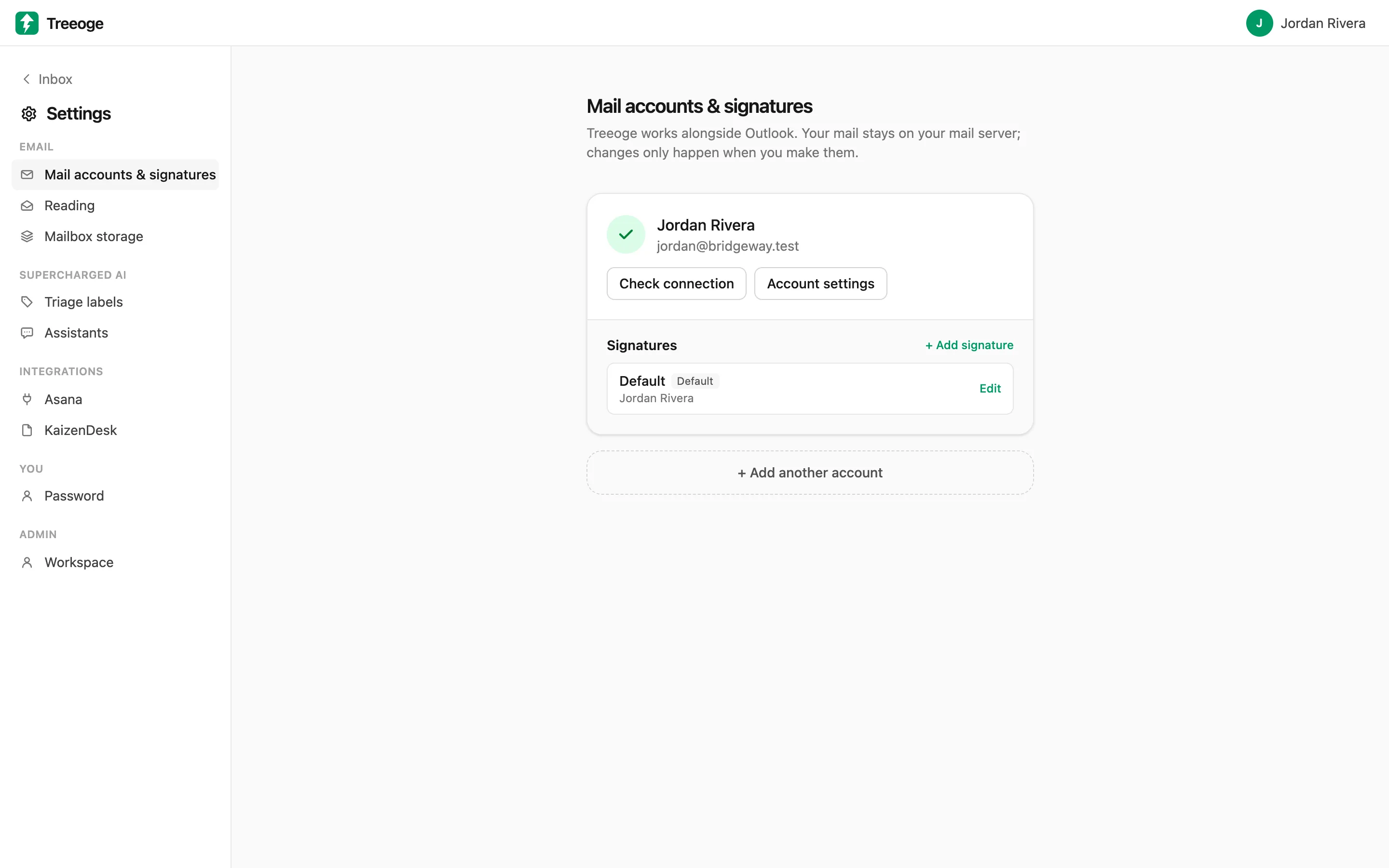
Treeoge connects to the mailbox you already have over standard, encrypted IMAP and SMTP. There is nothing to migrate: your folders, sent mail and other email apps keep working exactly as before.
Connect in a couple of minutes
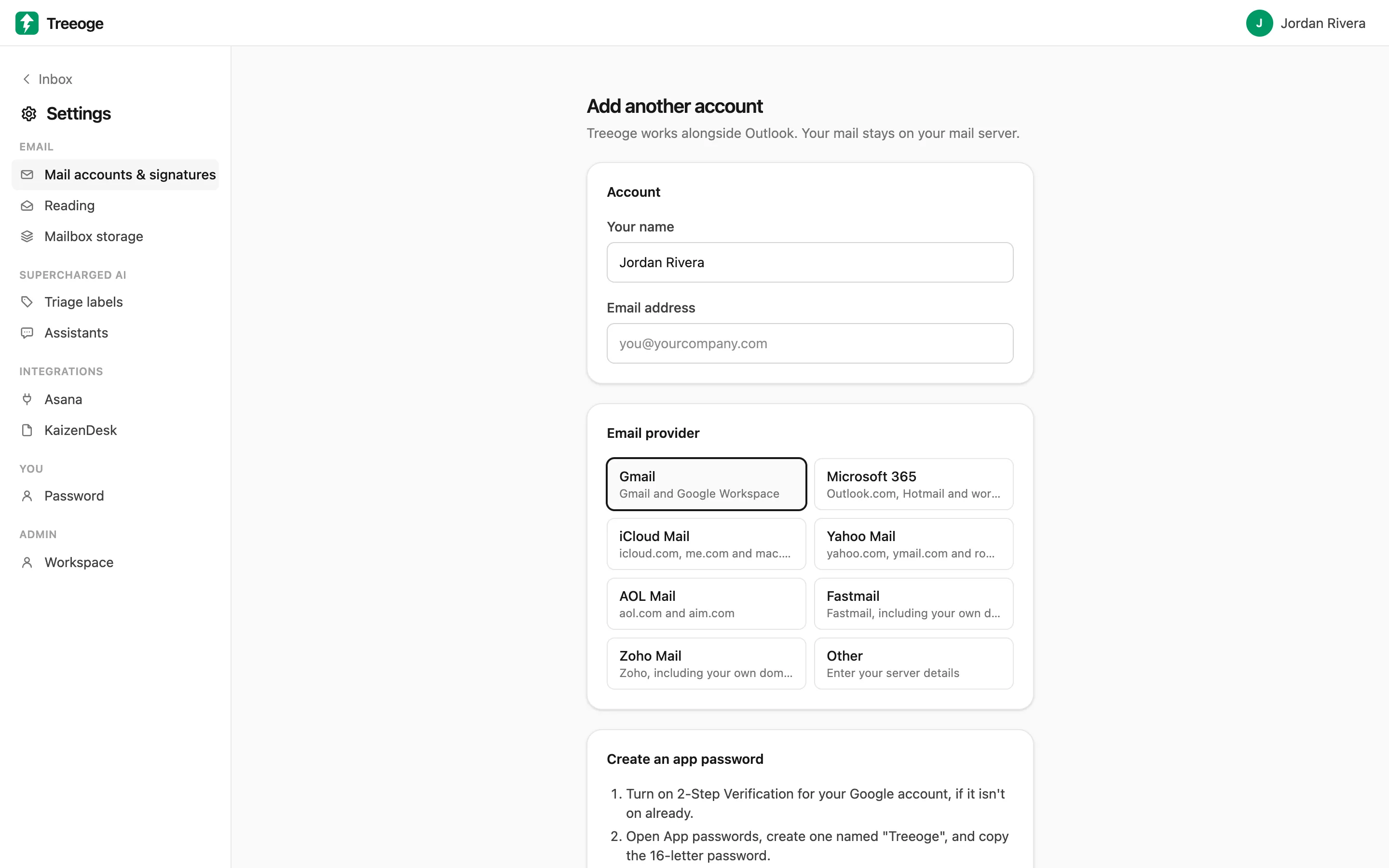
Pick your provider and Treeoge fills in the server settings and walks you through creating an app password. For anything else, enter your server details.
- Gmail and Google Workspace
- iCloud Mail
- Yahoo Mail
- AOL Mail
- Fastmail
- Zoho Mail
- Most other IMAP mail servers
Your mail stays on your server
Syncing only reads your mailbox; it never changes it. Replies you send are saved to your Sent folder and drafts to your Drafts folder, so they show up in every app you use.
Secure by default
Connections are always encrypted with SSL/TLS or STARTTLS; plain-text connections aren’t allowed. Mail passwords are stored encrypted.
Microsoft 365 is coming
Microsoft 365 and Outlook.com sign-in is coming soon. Until then, Treeoge works with the providers above.
Learn more
- Choosing an AI Email Client for IMAPAn AI email client for IMAP works with Fastmail, Zoho, AOL, iCloud and company mail servers, not just Gmail. Here is how it works and how to set it up.
- An AI Email Assistant for iCloud MailMost AI email tools skip iCloud. Here is how to add an AI email assistant to iCloud Mail to sort messages and draft replies, with setup in minutes.
- How to Use AI for Yahoo MailWant AI for Yahoo Mail that sorts your inbox and drafts replies? Here is what works with Yahoo today, how to connect it safely and what to watch for.
Try it on your own inbox
Free for 14 days, no card needed. $29 per user per month after that, AI included.
Start free trial