Clear the junk. Keep it from coming back.
Triage Sweep finds spam, phishing, cold pitches and forgotten newsletters. You junk them, unsubscribe when there is a real list link, and Treeoge watches for senders that ignore the opt-out.
Junk and unsubscribe together
Triage Sweep lists spam, phishing, cold pitches and newsletters with a short reason. The primary action is Junk & unsubscribe: mail moves to Junk, and one-click or mailto unsubscribe runs in the background. You can junk only, or unsubscribe without moving. Skip unsubscribe on obvious scams.
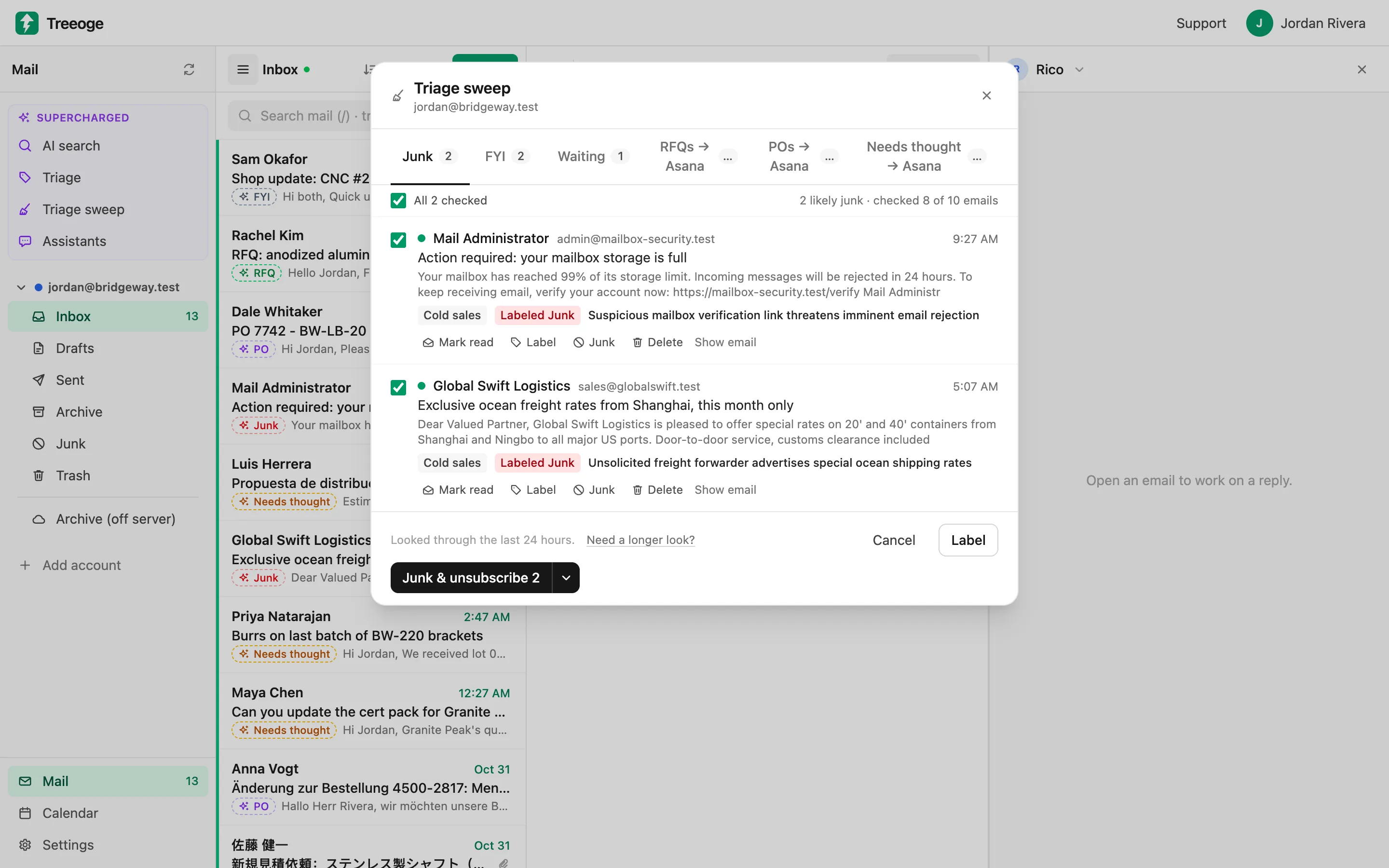
Block who keeps mailing
After you unsubscribe, Treeoge remembers that sender or list. If they keep mailing past a short grace period, later messages show as Blocked and are treated as junk automatically. The block is the result of your earlier unsubscribe, not a silent filter guessing on its own.
You stay in control
Nothing is moved, deleted or blocked until you act in the sweep. Undo brings junked mail back. Your provider’s spam folder still works; this sits on top of it. Real business mail is left alone on purpose.
Guides on this
Articles that go with this feature, for search and for the next step.
- How to Stop Spam Emails on Yahoo MailPractical steps to stop spam emails on Yahoo Mail, from reporting and blocking to filters and unsubscribing, plus how AI catches the junk that gets through.
- AI Email Cleaner: Clear Junk Without Losing MailAn AI email cleaner spots spam, phishing, cold pitches and newsletters so you can clear them in one go. How they work and what keeps real email safe.
- How to Use AI for Yahoo MailWant AI for Yahoo Mail that sorts your inbox and drafts replies? Here is what works with Yahoo today, how to connect it safely and what to watch for.
Try it on your own inbox
Free for 14 days, no card needed. $29 per user per month after that, AI included.
Start free trial