cPanel CalDAV Calendar on Your Phone
A cPanel CalDAV calendar is not another mailbox setting. CalDAV is the way a phone subscribes to events. cPanel only has one if the host turned calendars on and published an address. Plenty of accounts never get that address. The mail still works. The calendar app does not.
People land on this after the phone’s mail wizard finishes and the calendar stays blank.
Where the address comes from
In cPanel, calendar setup is separate from email setup. The host may show a CalDAV URL, a username, and a note about an app password. You type those into the phone’s calendar account, not into the mail account. Using the mail server name in the calendar form is a common miss. The phone then says it cannot find a calendar.
If the menu is missing, the host did not enable it. There is no IMAP checkbox that adds it. CalDAV has to be offered by a calendar server. IMAP will not stand in for it.
When the URL does exist, phones and desktop apps can add it directly. That path is worth trying before you abandon the host’s calendar. Write down the URL the host shows. Guessing mail.yourdomain.com often fails.
Add a cPanel CalDAV calendar in Treeoge
Treeoge’s calendar settings take a server address, a username, and a password. You can use the mailbox password or a different one. Treeoge looks up the calendars on that server and you choose which to connect. If cPanel gave you a CalDAV address, paste that address. Treeoge then reads it every couple of minutes. Changes you make in Treeoge are saved back to that server first. Guests are emailed only after the save works, and only when you confirm.
iCloud, Fastmail, Yahoo, and a server you run, such as Baïkal or Nextcloud, use the same form. cPanel is not a separate brand button. It is the address you paste.
When the host never gave you a URL
Treeoge can host one calendar for you. The settings page shows a server, username, and password for an iPhone, or for Outlook with a CalDAV plugin. That login is the calendar account. It is not your email password reused in a mail profile.
Google Calendar and Microsoft 365 cannot be added as full calendars. They can subscribe to a secret link, and that copy is read-only. Edits there do not come back.
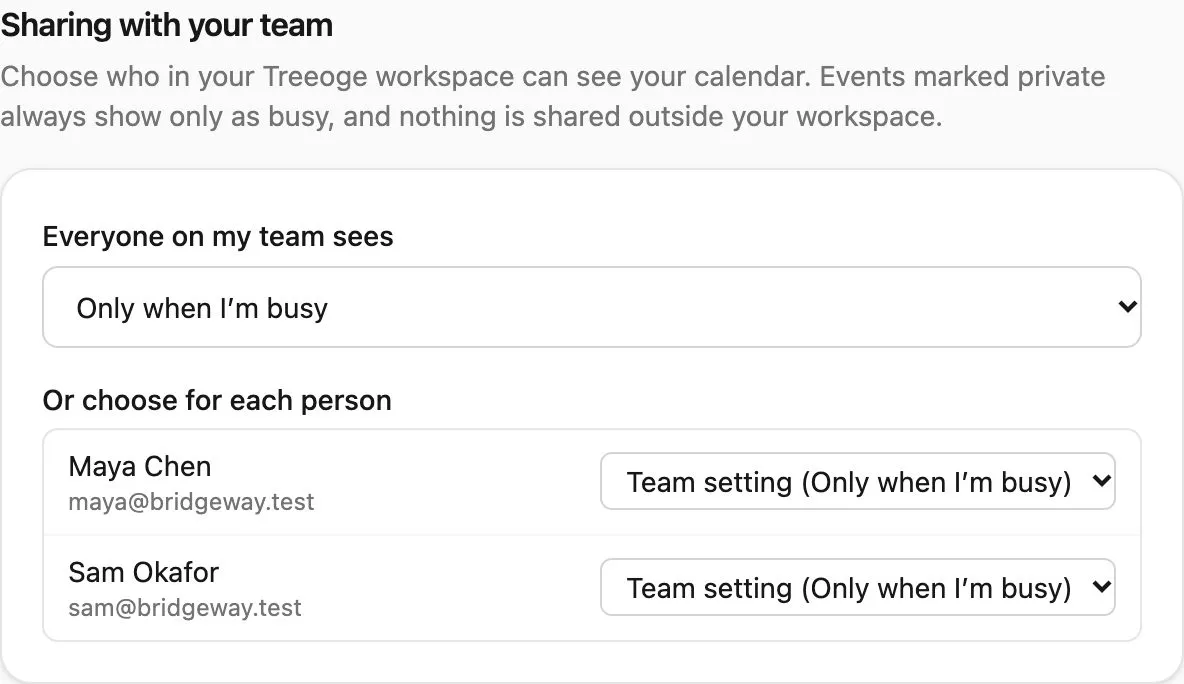
Who on your team can see busy time, or the full event, is set in the workspace. That part is cPanel calendar sharing. The reason a mail profile never created events is IMAP calendar.